



Cheer at a show
Let them know how much they mean to you
GlowMark by MiniPro
Your screen was made for more than scrolling. Draw with a fingertip, layer in pictures — send a cheer, share a celebration, or make a creation that's all yours. The fun always starts with light.
iPhone, iPad, Apple TV, and the web — plus Mac, as a direct download. Android is in closed beta.Your devices
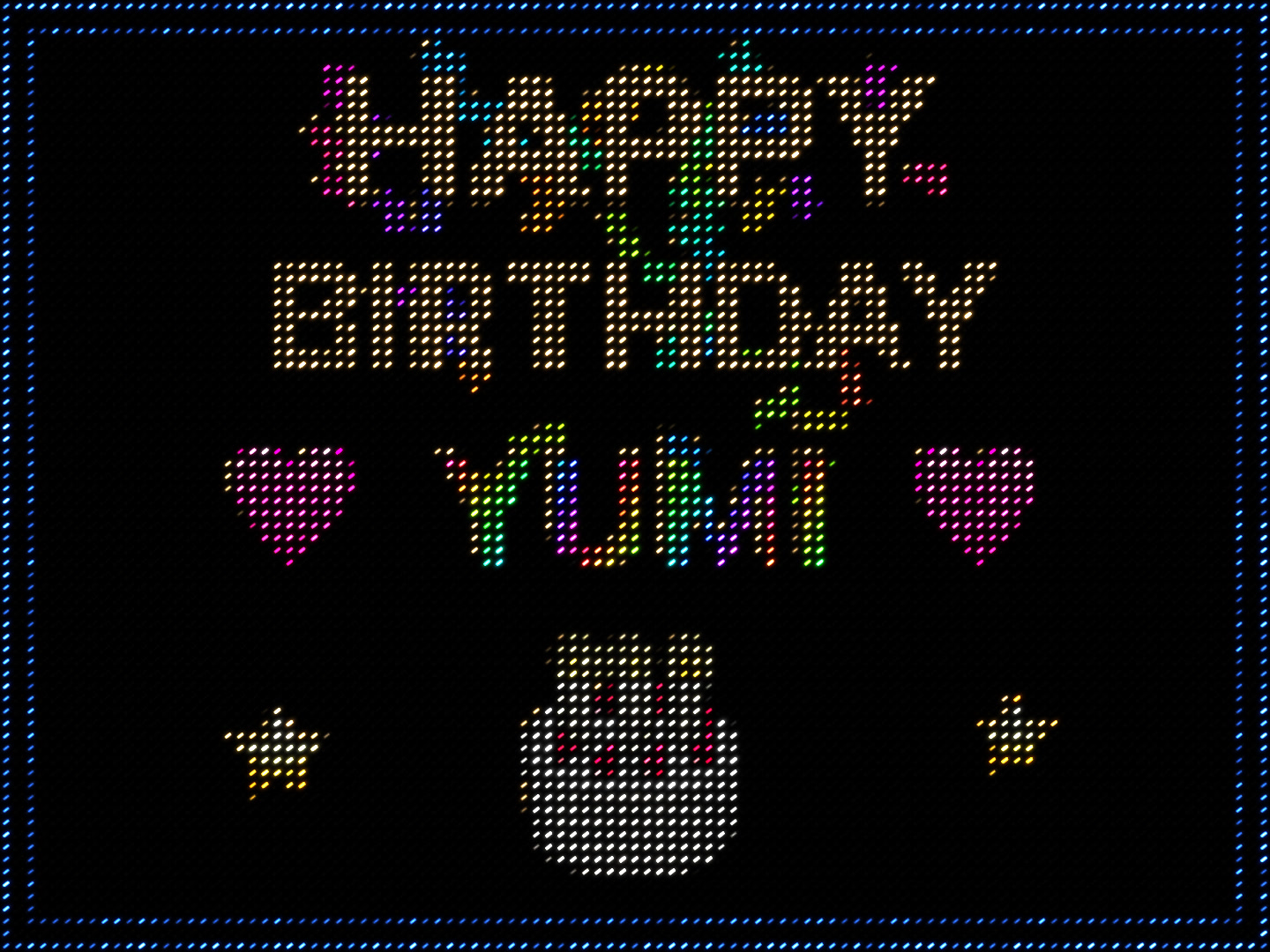
An LED birthday creation that assembles from stardust after a 3-2-1 countdown: HAPPY BIRTHDAY, rainbow YUMI, pink hearts, and a moving cake and stars in a sparkling blue double LED frame
The video could not be played.
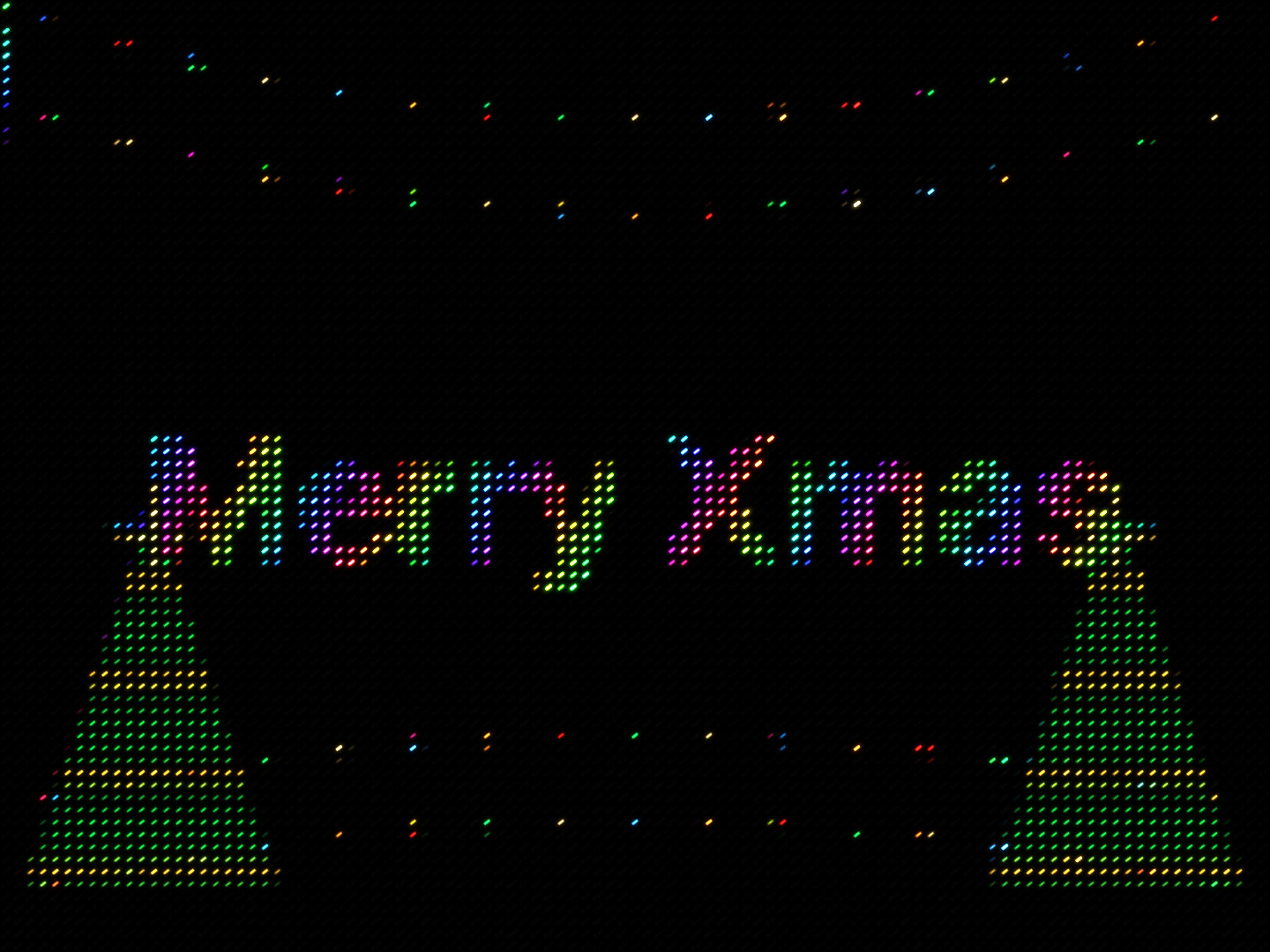
Rainbow Merry Xmas letters hop above Christmas lights inside a chasing LED frame
The video could not be played.
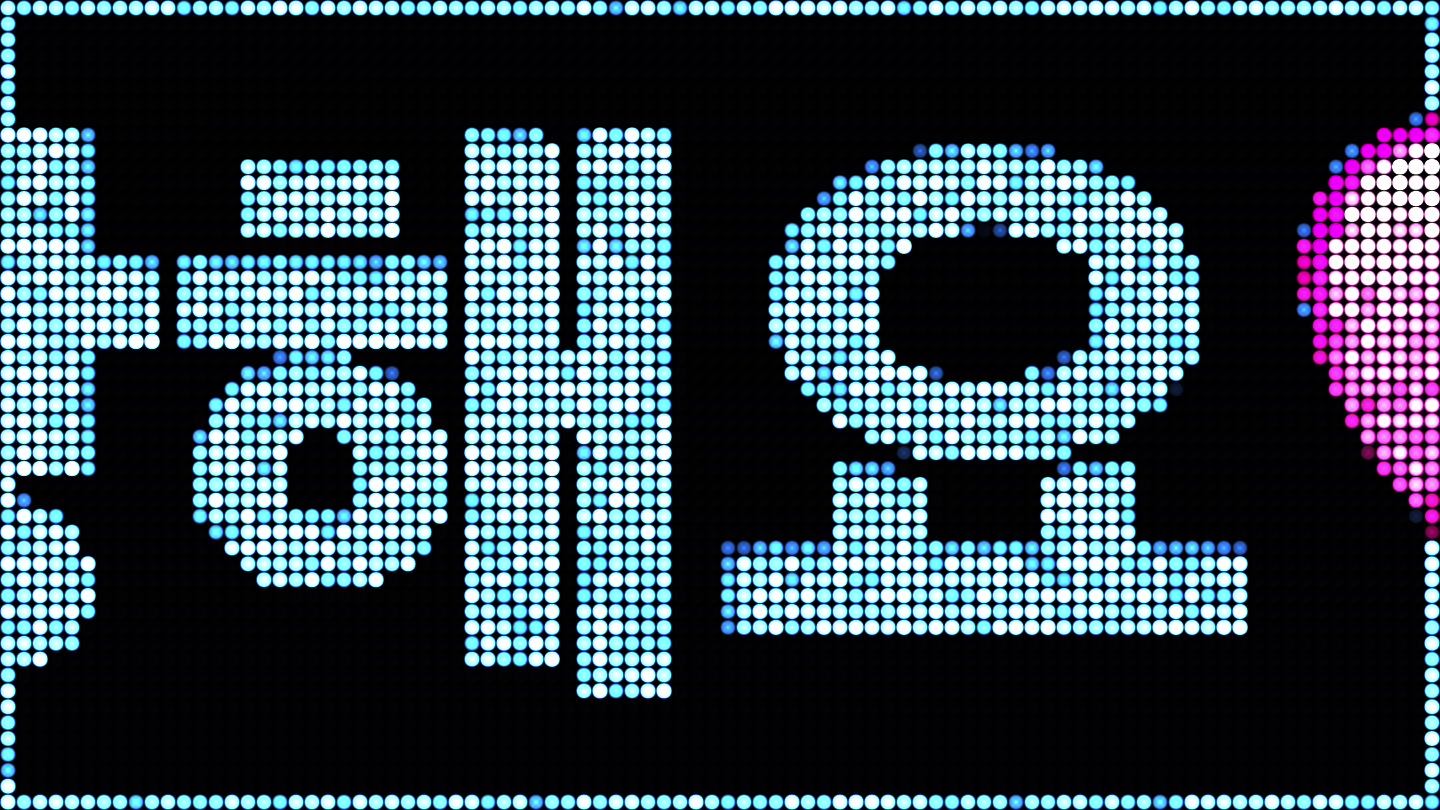
The Korean message 😘🩷사랑해요🩷😘 scrolls right to left in blue circular LEDs inside a blue LED border
The video could not be played.
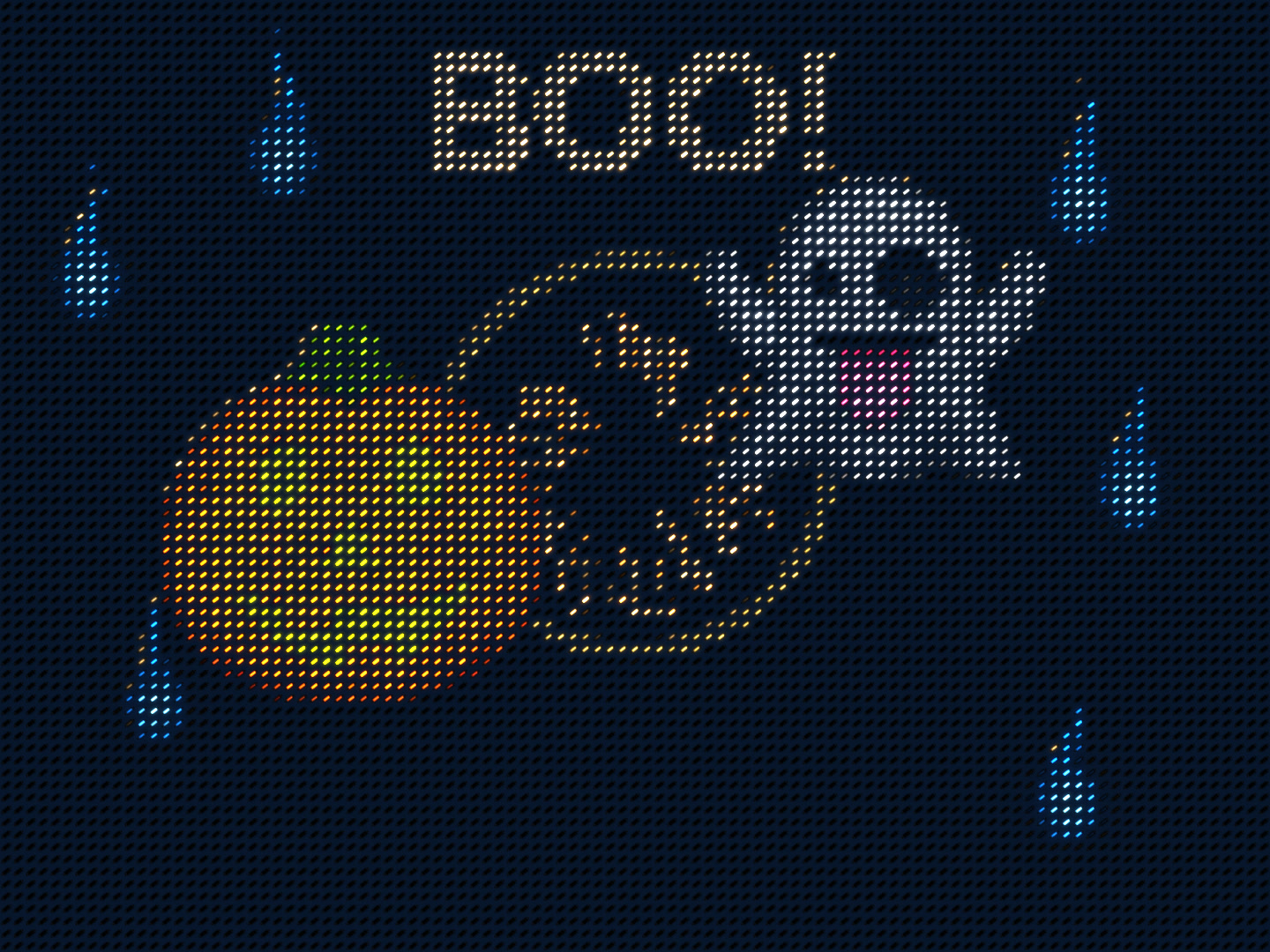
A Halloween LED story with blue spirit flames, a ghost saying BOO and scattering sparks
The video could not be played.
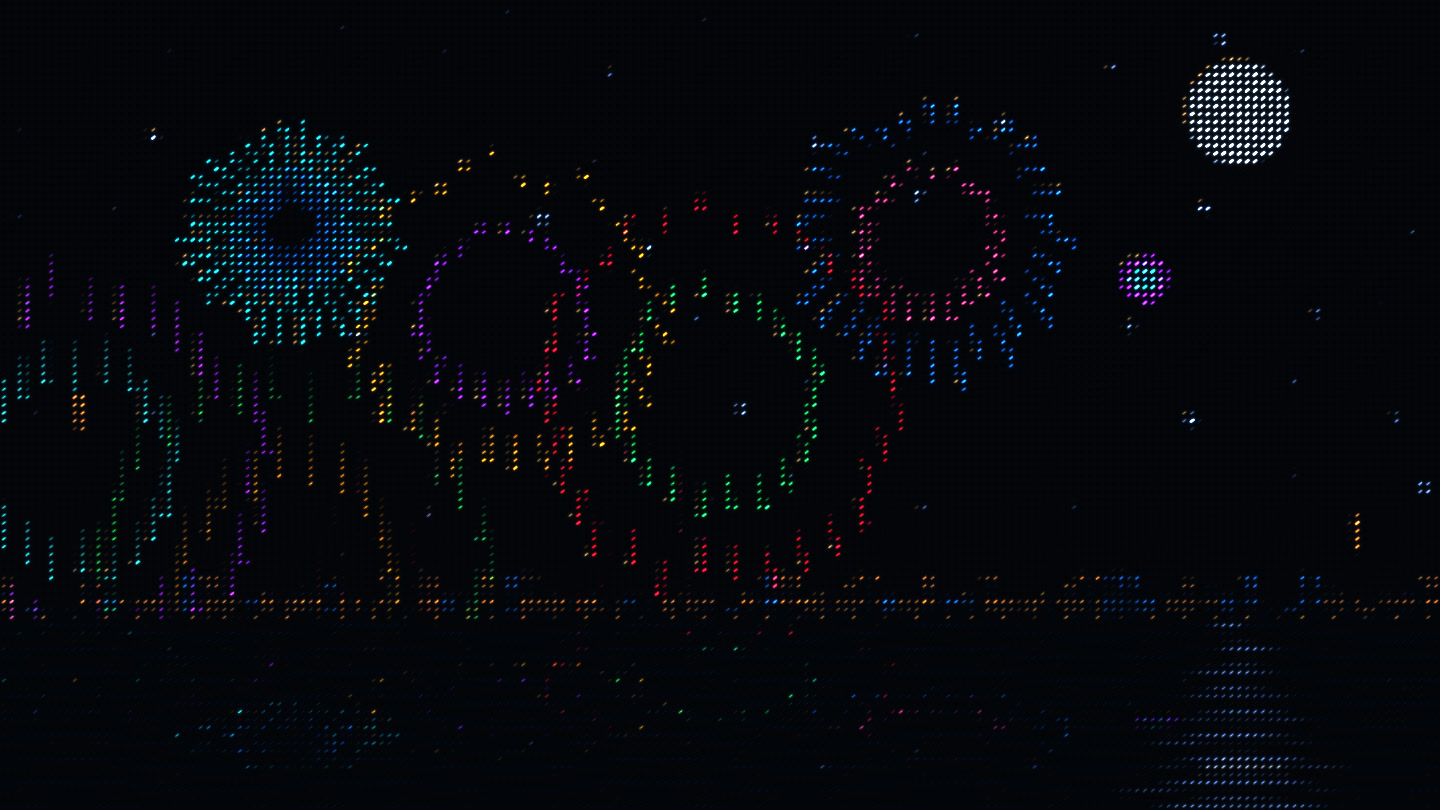
Colorful panoramic fireworks end in golden rain over a moonlit sea, stars and distant city lights
The video could not be played.
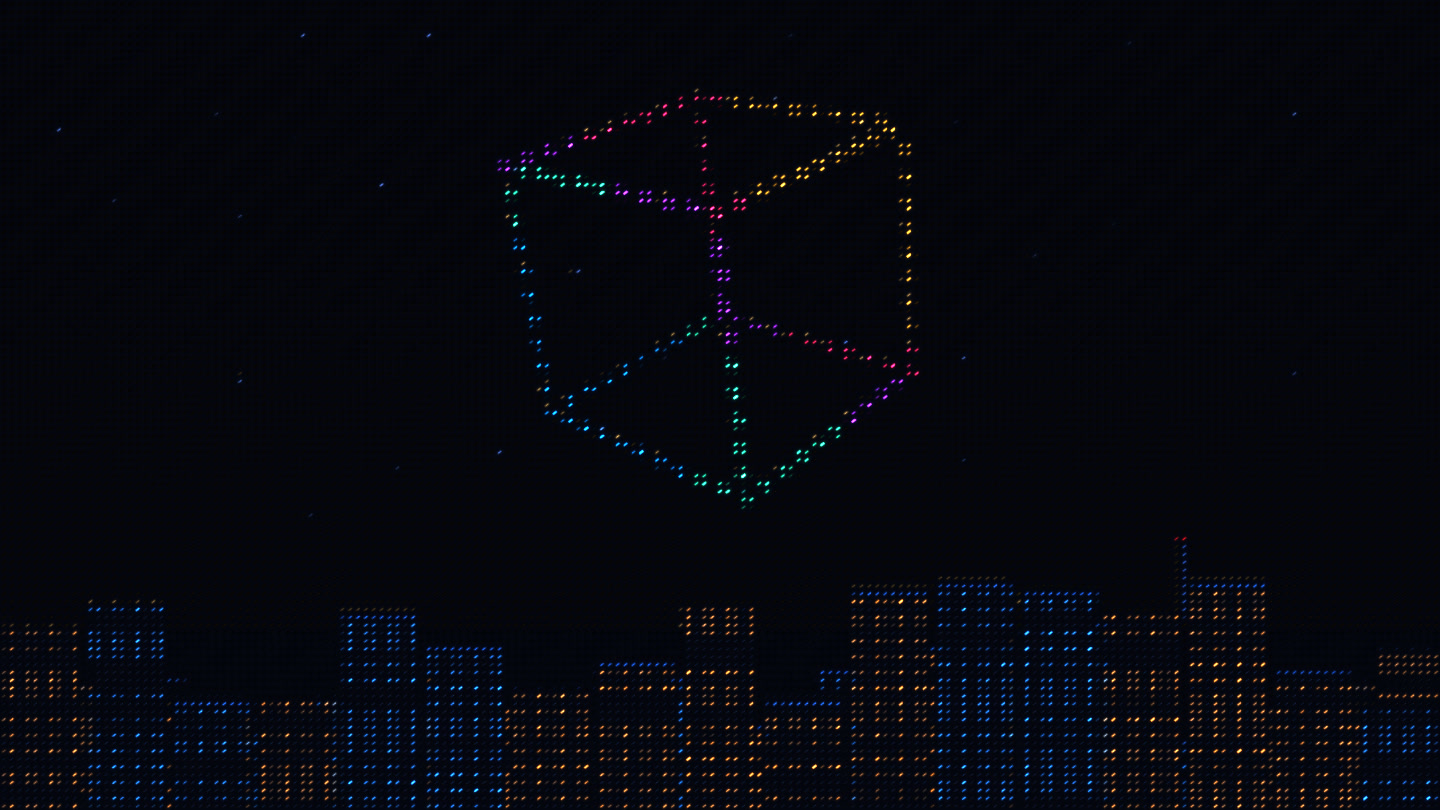
An LED drone show above a city skyline: 120 lights rotate and morph into a cube, sphere, three-dimensional heart and ribbons
The video could not be played.
Coming soon
Coming soon
Cheers & celebrations
Show it in the moment, or send it across the distance. Say it your way, in light.
Let them know how much they mean to you

A beacon to find each other
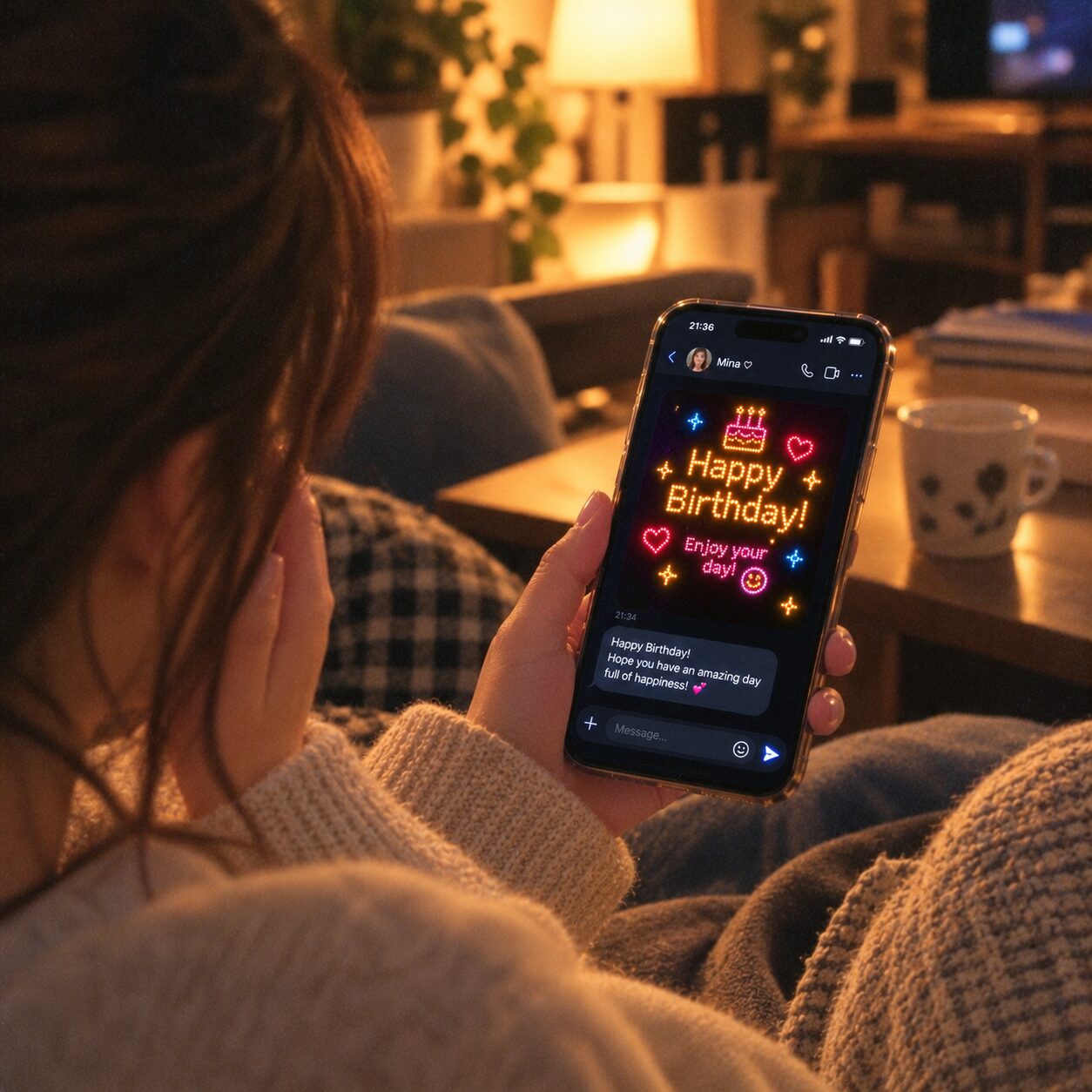
Send birthday wishes across the distance

Pick colors, trace, and play with your own light.
Layer messages and stickers into a glowing creation of your own.
Cheer at a show or welcome someone at arrivals with a glowing message.
Share your creation as a Glow. They can view it in a browser and remix it too.
The browser experience requires WebGPU. The app’s FREE plan saves up to 3 works and plays received packs too.
Shops & events
The Mac version is coming soon. Show opening hours or a welcome message on the screen you have. On Mac, bring audience comments onto the sign too.

No one has to ask where to go

Say what you make, in a word
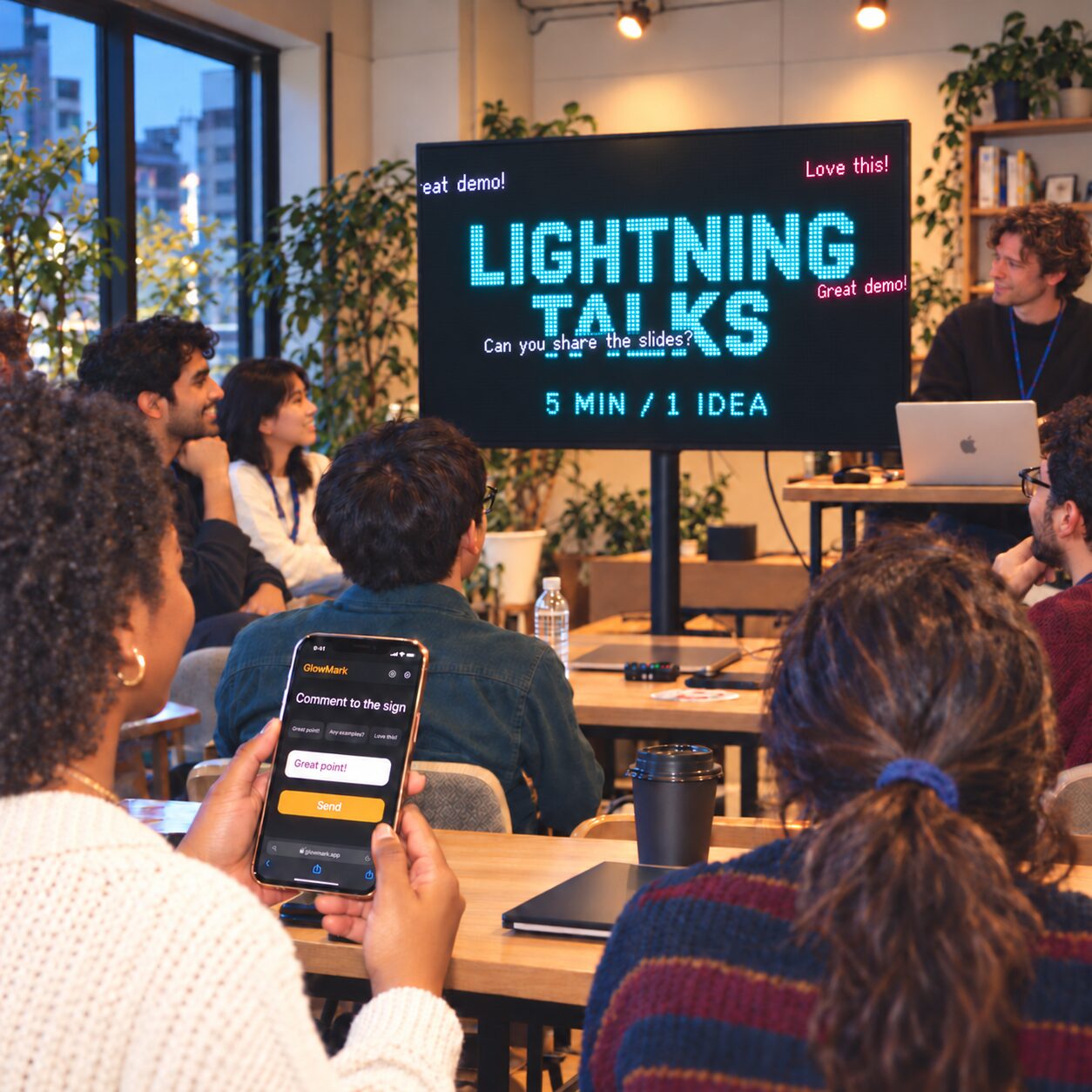
The room’s voices cross the board

Keep the conversation going during the break
Display a message on iPad for a shop counter or reception desk.
Show a sign on an external display and edit the words on your Mac.
Turn on the participation link on Mac to let comments from phones flow across the sign.
External-display output and participation links described here are Mac features. See the device list below for Apple TV.
Your devices
A light to hold or a sign to set up. Choose how you want to begin.
Draw, make messages and show them. Turn a camera feed into LEDs, with video and GIF export in Pro.
Edit text directly and show signs on external displays — wallpaper and menu-bar modes included, plus comment intake through a participation link. The direct download from this site already unlocks every feature for free, with automatic updates built in. A Mac App Store edition is still on the way.
Enter text with the Siri Remote and fill your TV with a glowing message.
Draw and share without installing anything. Open received Glows from a link. Requires a WebGPU-compatible browser.
We’re welcoming closed-beta testers. Check the sign-up form for availability.
Pro is a monthly or yearly subscription. Available features vary by device.
The free version may show ads in some places. Creations are saved on your device. When you share a Glow, the creation you select is sent to our server.